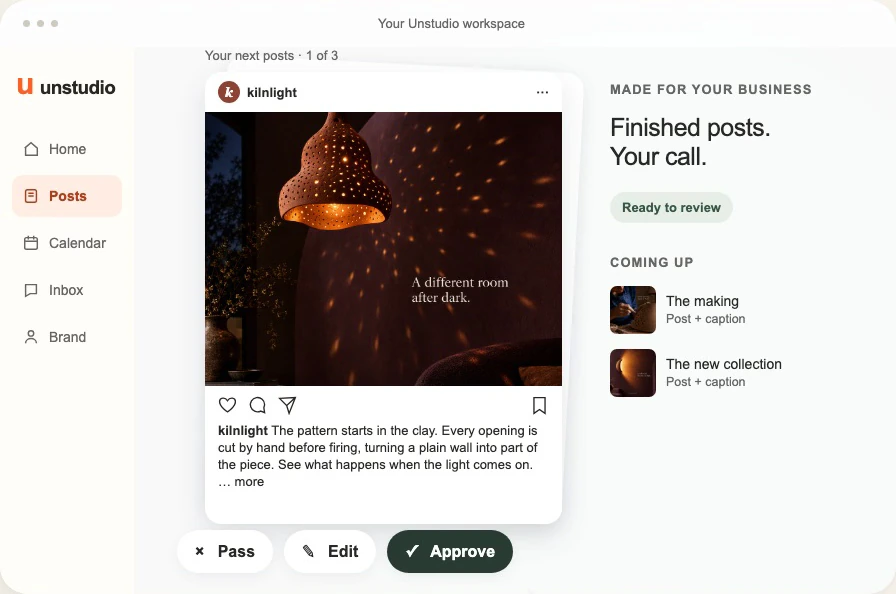
Until now, everything Unstudio made for your business stood still: single pictures and carousels. Now it makes reels too.
Both matter, and they do different jobs. Pictures and carousels build your feed. They give the people who already follow you something to save and come back to, and over time they give your account a look people recognise. Reels travel further. They get shown to people who don’t follow you yet, which makes them the easiest way to be found by someone new.
A few reels Unstudio made
Each one was made with Unstudio for an example business: a coffee bar, a plant shop, a hair salon and a yoga studio. Yours will be about what you sell, in your colours, with your logo at the end.
Honest about AI video
AI video has taken a big leap this year. It still isn’t perfect. Hands can come out wrong, a face can drift, and a clip can do something no real camera would. But it gets better every few months, and we think it is now good enough to use, as long as it’s used carefully.
That care is the part Unstudio takes on. It picks the kind of reel that suits your idea, keeps the people in it clearly made up, makes product shots look like real photography and keeps every reel short, so there is less room for things to go wrong. And before anything is made, you see the plan.
Show up like a bigger business
A good reel used to mean a shoot: a camera, someone to film, someone to edit, often an agency. Big brands pay for that every week. Most small businesses can’t, so they post less video, or none at all.
Made this way, a reel needs an idea and a few minutes of your attention. That lets a small business show up in people’s feeds the way much bigger ones do, without a production team behind it.
How you make one
1. Start in Create. Choose Reel, then describe the idea in a sentence, or pick a type of reel and let Unstudio fill in the rest: a moving shot with your words on it, a reaction with a punchline, your product in real life, a problem and its fix, a little skit, animated characters, or a character that talks to camera. You can pick one of your products too, and its real photo is used as the reference.
2. Check the storyboard. Unstudio plans the reel and shows you every scene with its first frame, the words on screen and the music. Ask for changes in plain words and it redraws the storyboard.
3. Make the video. When the storyboard looks right, press Make the video. It takes a few minutes, and the finished reel lands in All posts next to everything else Unstudio has made for you.
Reels are up to 20 seconds long. They are in beta, so expect them to keep getting better from week to week.
How the cost works
Everything Unstudio makes is paid for with the monthly credits in your plan, and reels work the same way.
- A reel made with AI video costs 5 credits for each second of AI video. A 5-second reel is 25 credits, a 10-second reel 50.
- A reaction reel, which puts your words on a ready-made reaction clip, is 5 credits in all.
- The storyboard, and every change to it, is free. Credits are only used when you press Make the video.
- If a reel fails, its credits come back.
For a sense of scale, a static post is 4 credits. Lite comes with 100 credits a month, Starter with 400, Pro with 1,100 and Business with 2,600, and you can add more credits any time from Your account. A finished reel can’t be edited: if you want it different, Unstudio draws a new storyboard, and making that version uses credits again.
On one of our earlier plans? Reels work there too. A reaction reel or a single moving shot counts as one of your monthly posts, and a reel with more AI video counts as five.
Try it
Already using Unstudio? Open Create and choose Reel. New to Unstudio? Paste your website to see the posts it would make for you.